Features

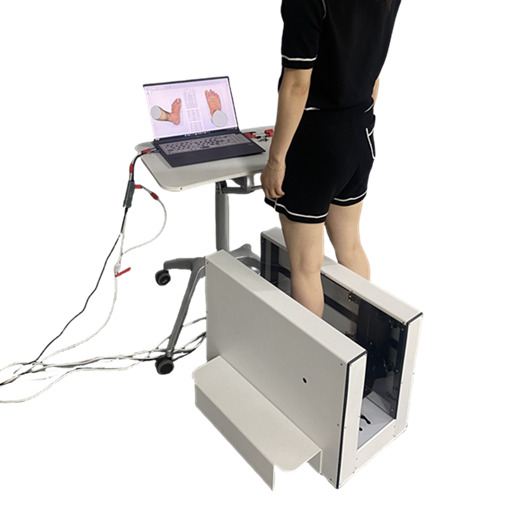
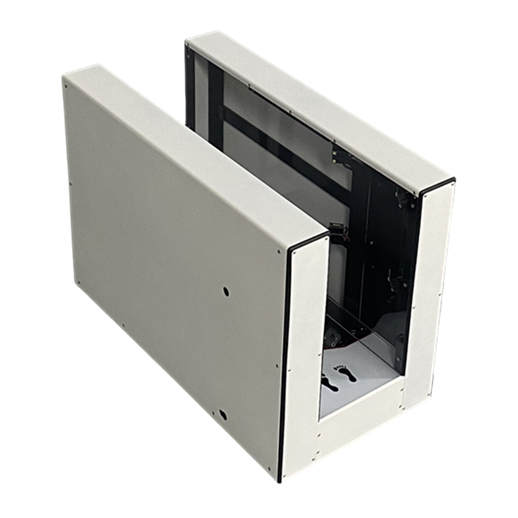
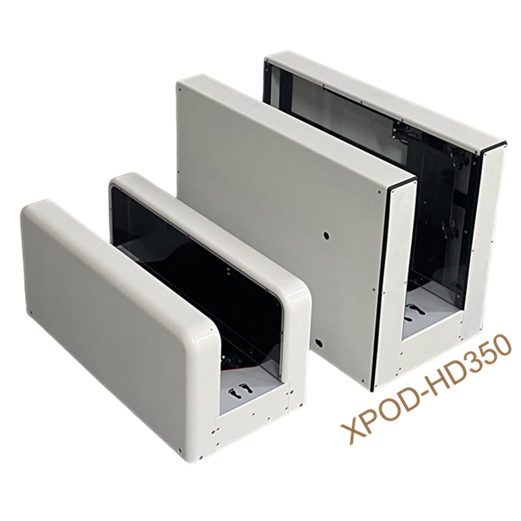
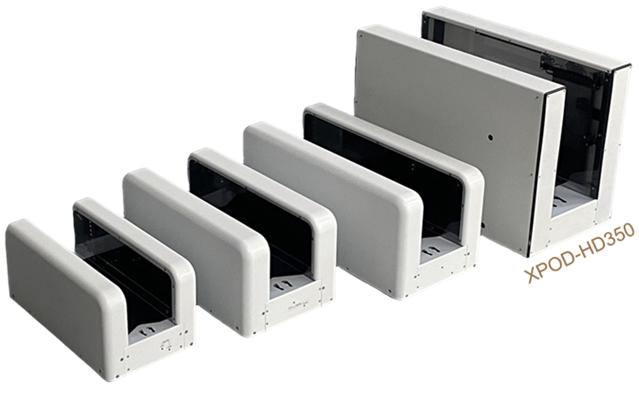
  • XPOD-HD350 scans taller than XPOD-HD.
  • XPOD Software improves on UPOD software (Same file formats).
xpod-hd

Hardware

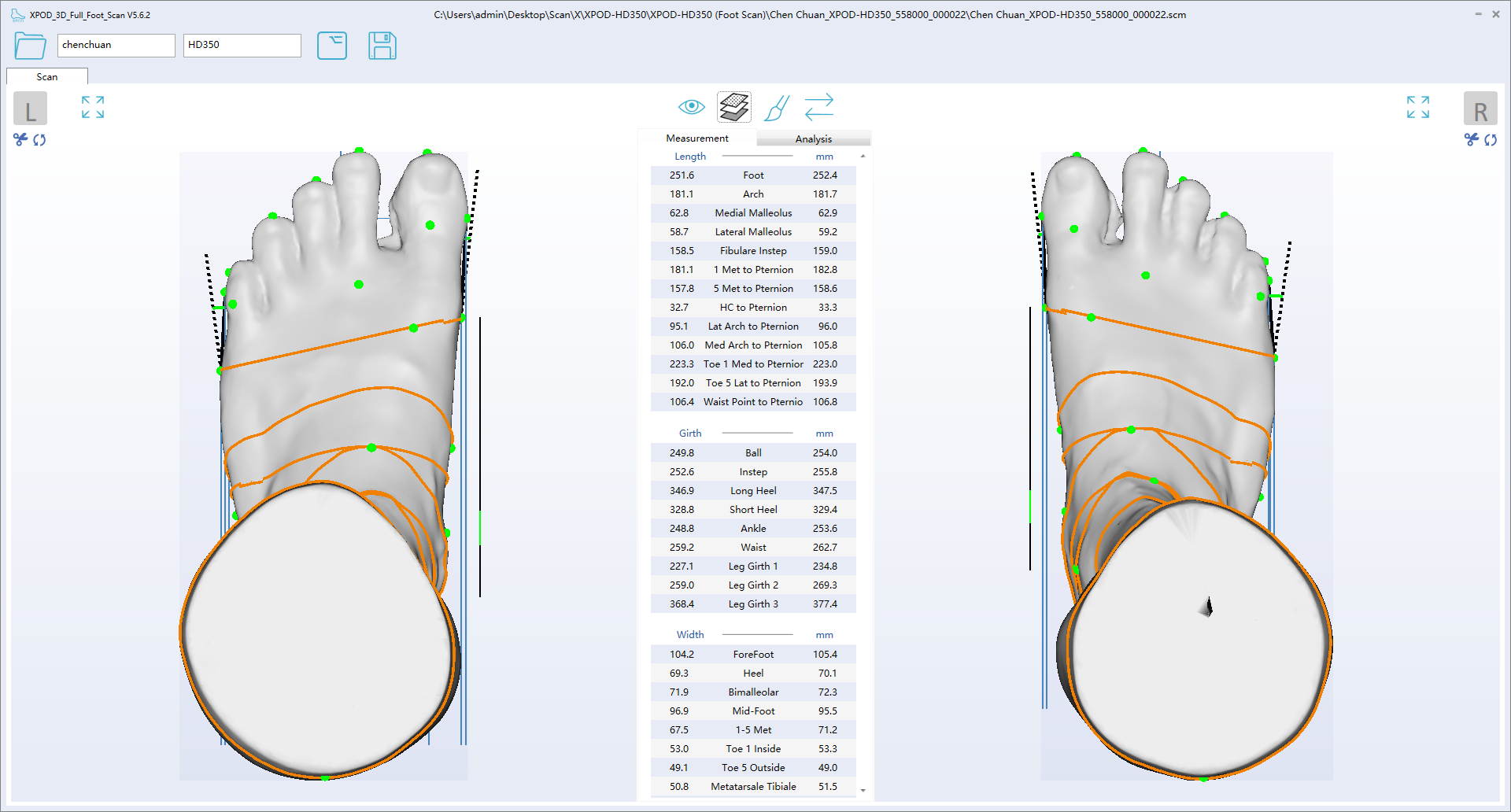
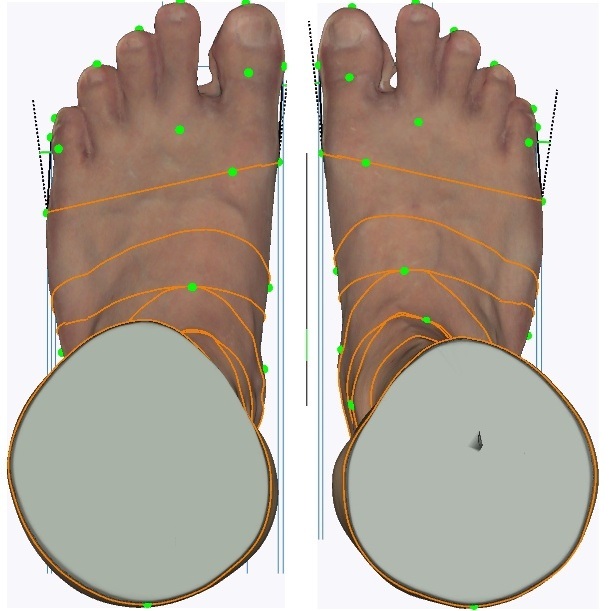
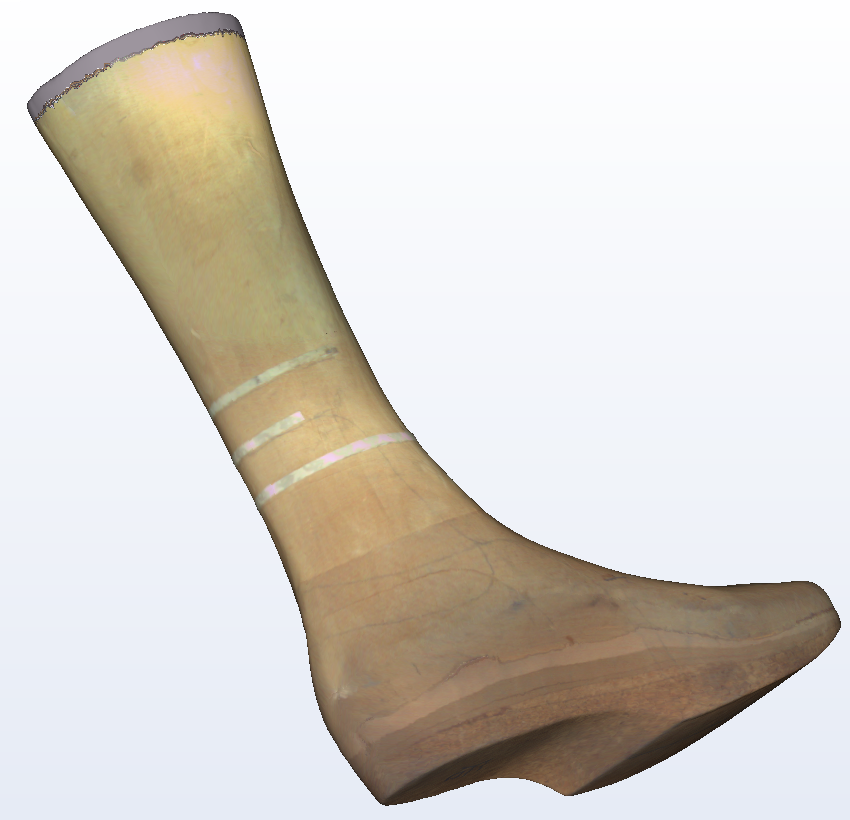
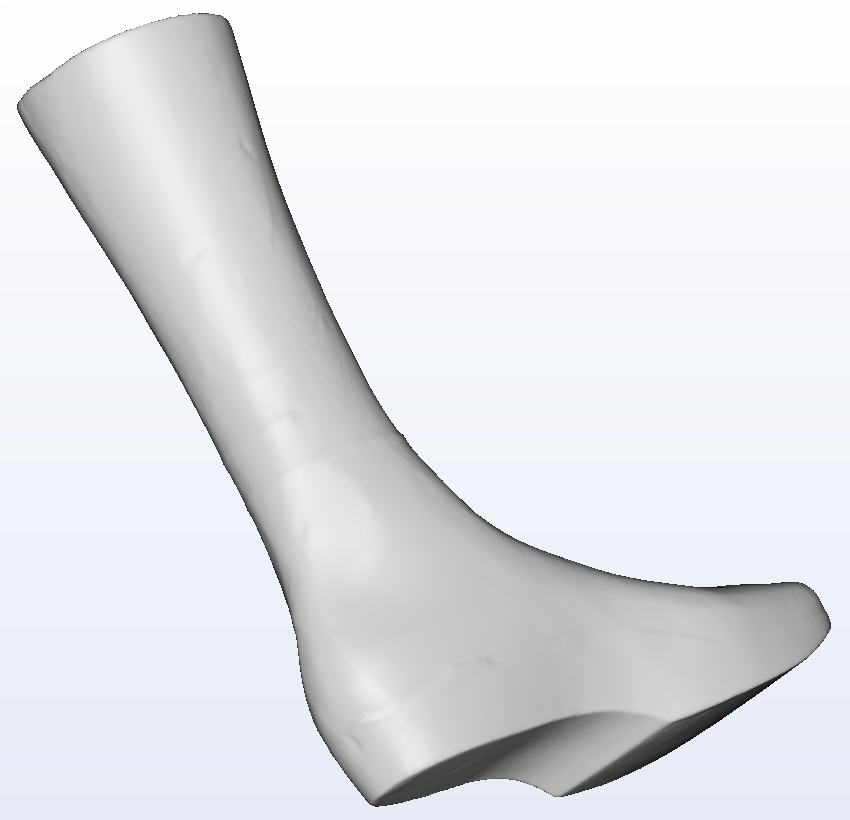
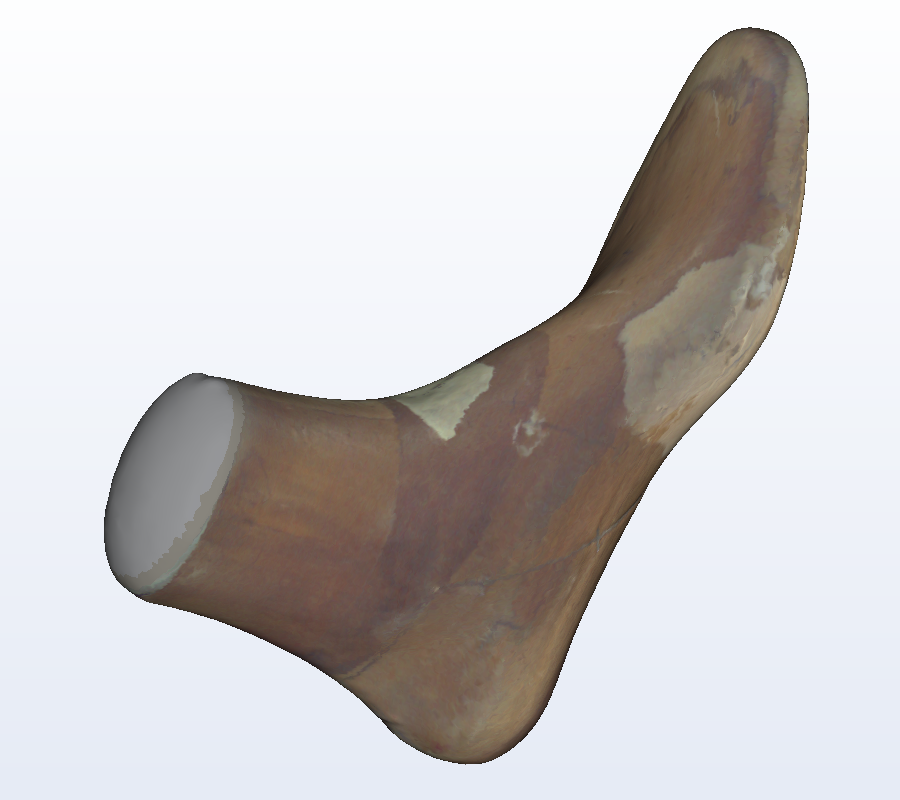
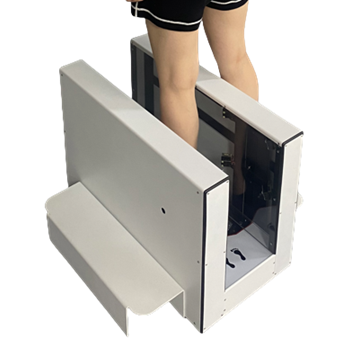
  • Full-foot 3D with color in non/semi/full-weight
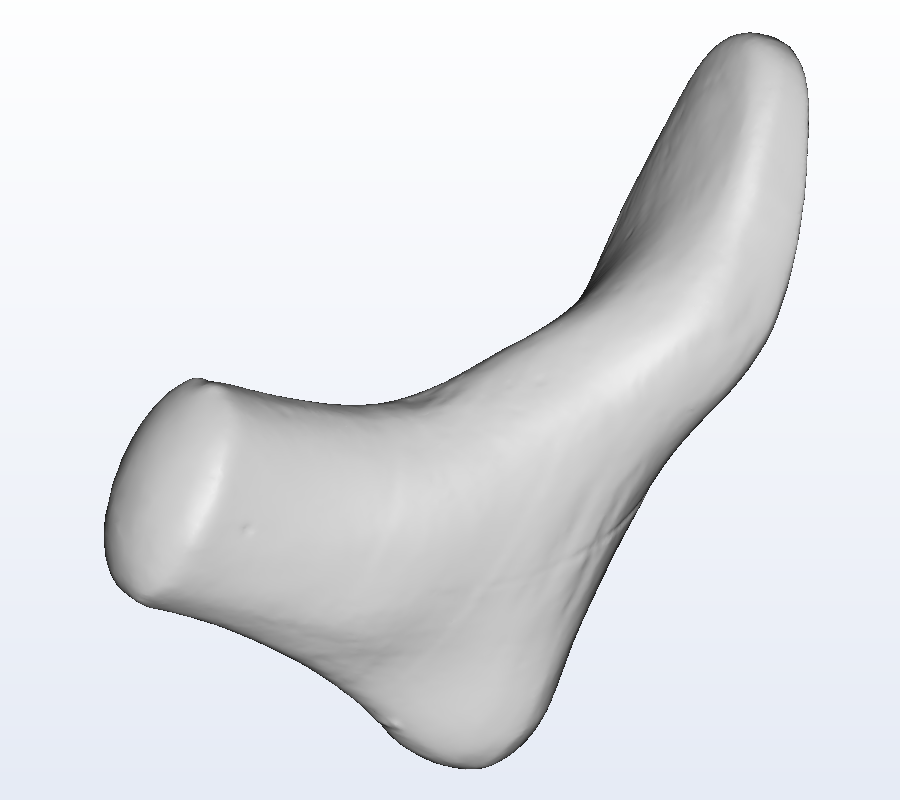
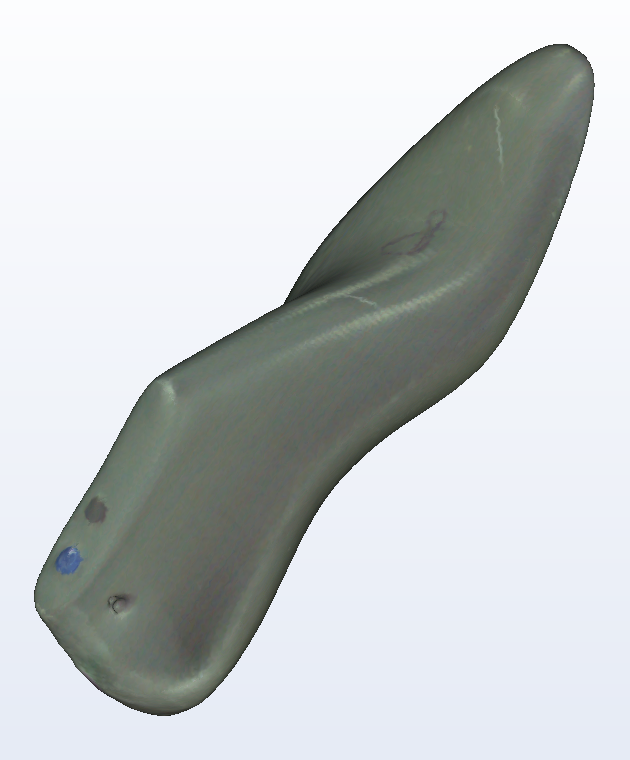
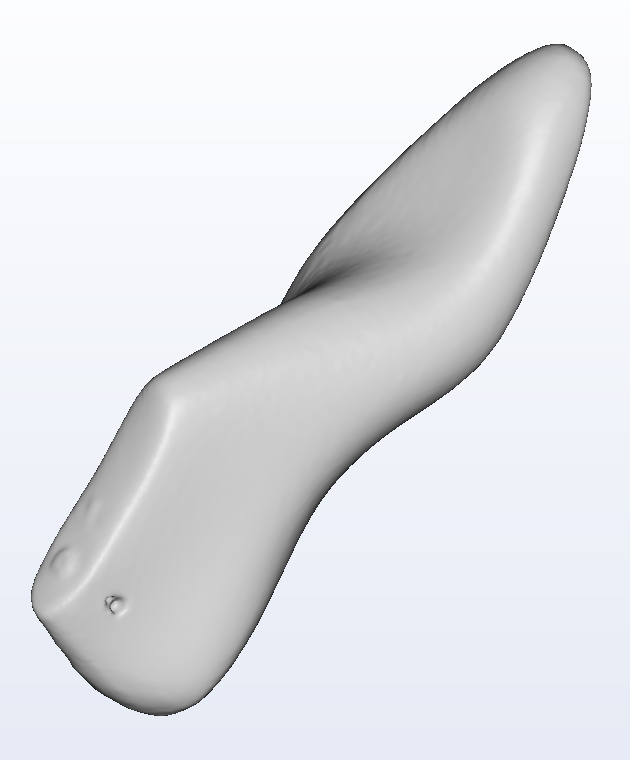
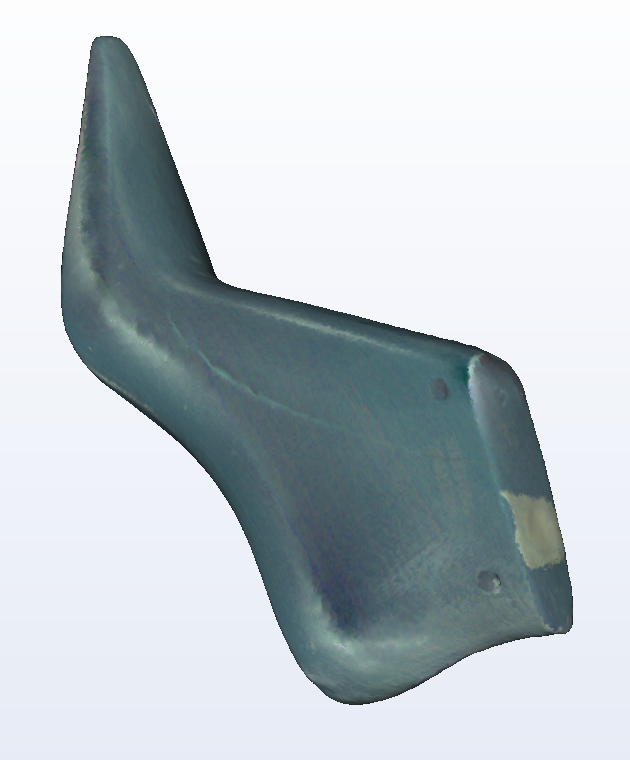
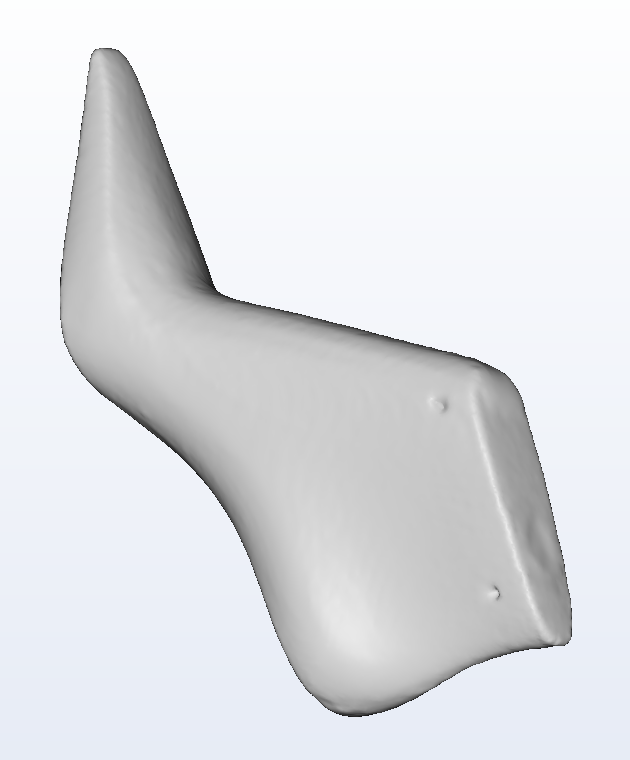
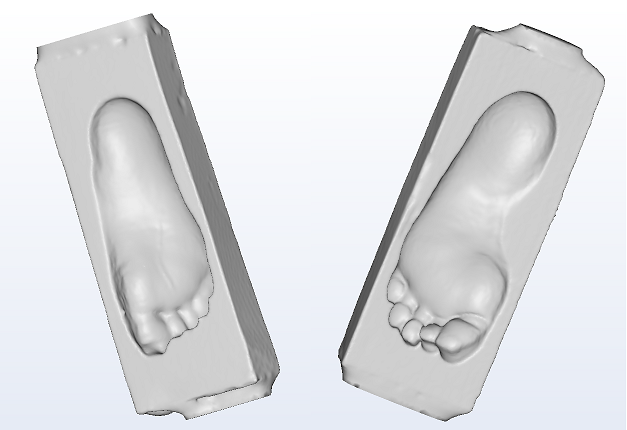
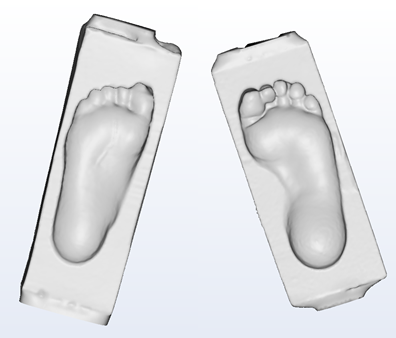
  • Foam Impression and Shoe Last
  • Shoe lasts (shiny surface may require powder coating)
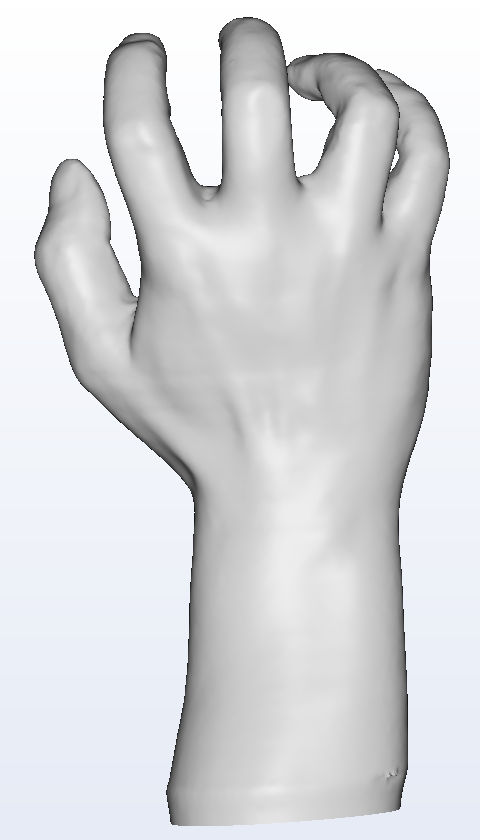
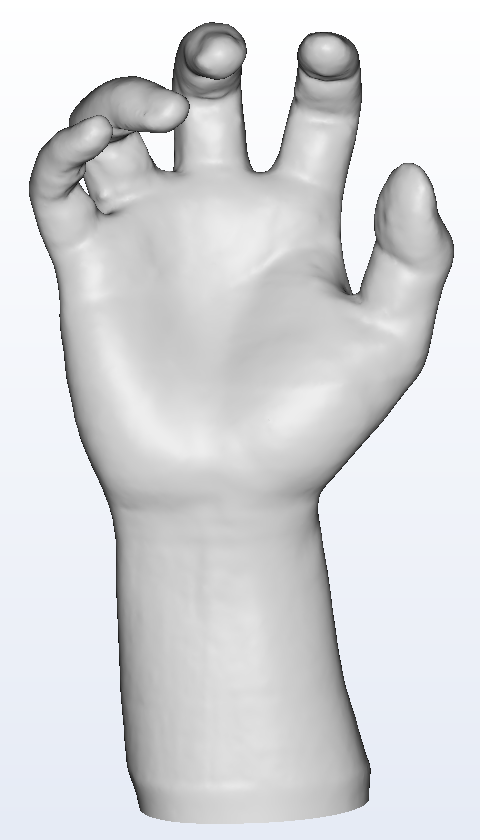
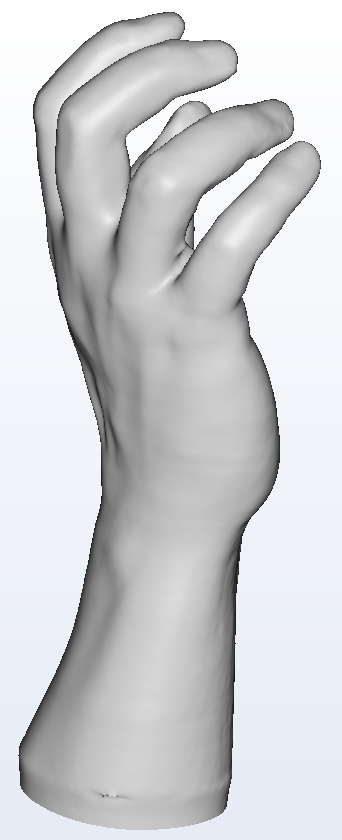
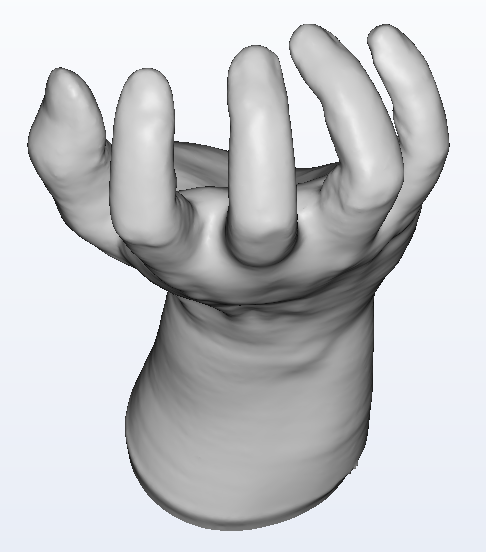
  • Hand scan
  • Scan Speed 3s~10s depending on resolution
  • Intel Core i9-12900HK, 16G RAM, 4+ independent USB ports
  • Integrated GPU OK. Recommend MINISFORUM NAB9 Plus
  • Software UI or Foot switch to activate scan
  • Normal lighting, open top coverless scan
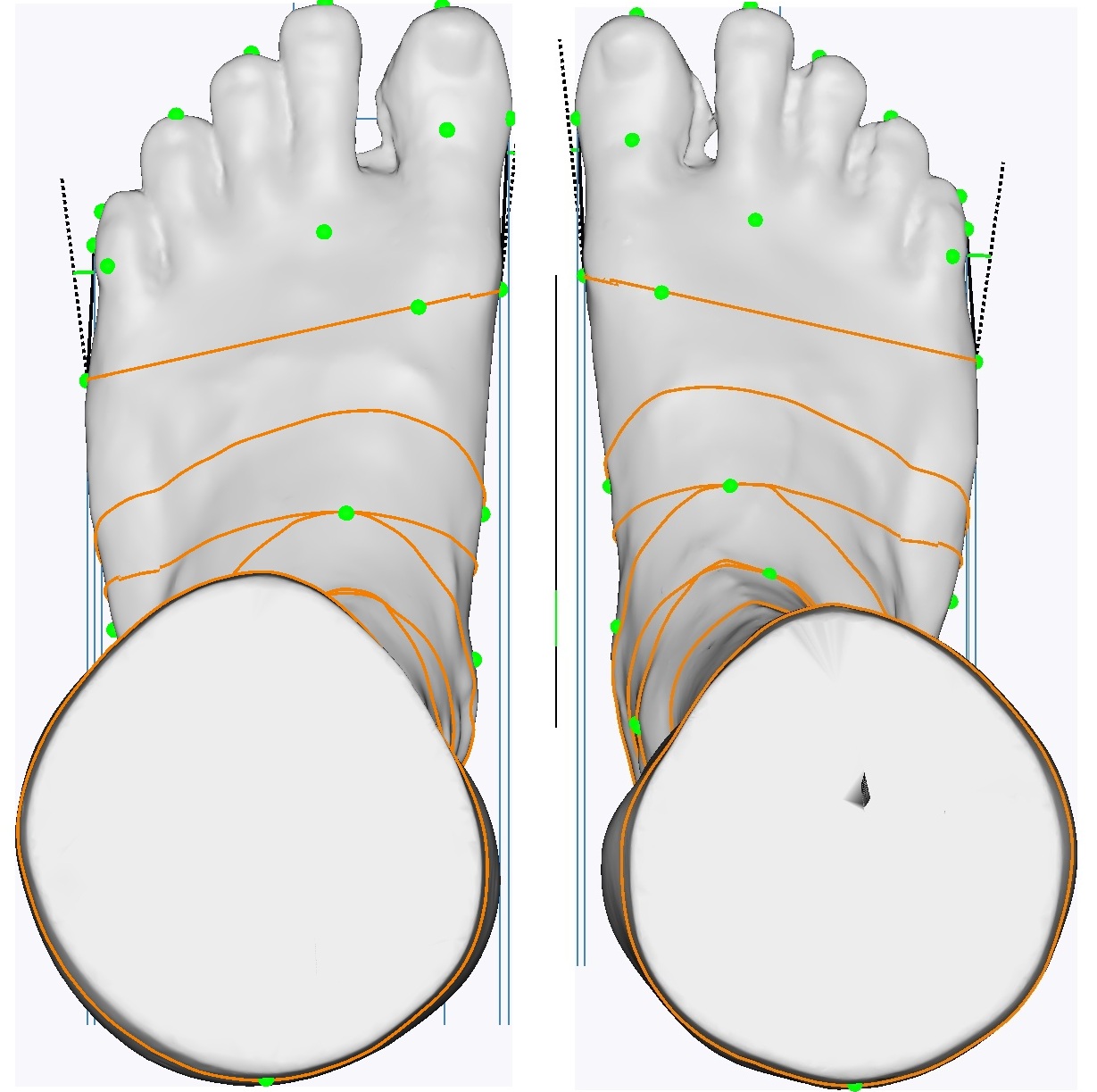
  • Clean 3D mesh, +/- 0.5mm accuracy
  • Scan Volume: 380L X 180W X 350H mm
  • Max foot size EU56/US20.5 with 10mm toe/heel gap
  • Size: 660L X 340W X 460H mm
  • Weight: 20.1Kg (44.3Lb)
  • Load Capacity: 180Kg (397Lb)
  • Power adapter AC 100-240V; DC 12V/5A
  • Customizable panels design and color
  • CE/FDA/PSE certification/registration
  • One-year limited warranty
XPOD-S

Software

  • Win10/11, doesn't support Win7/8
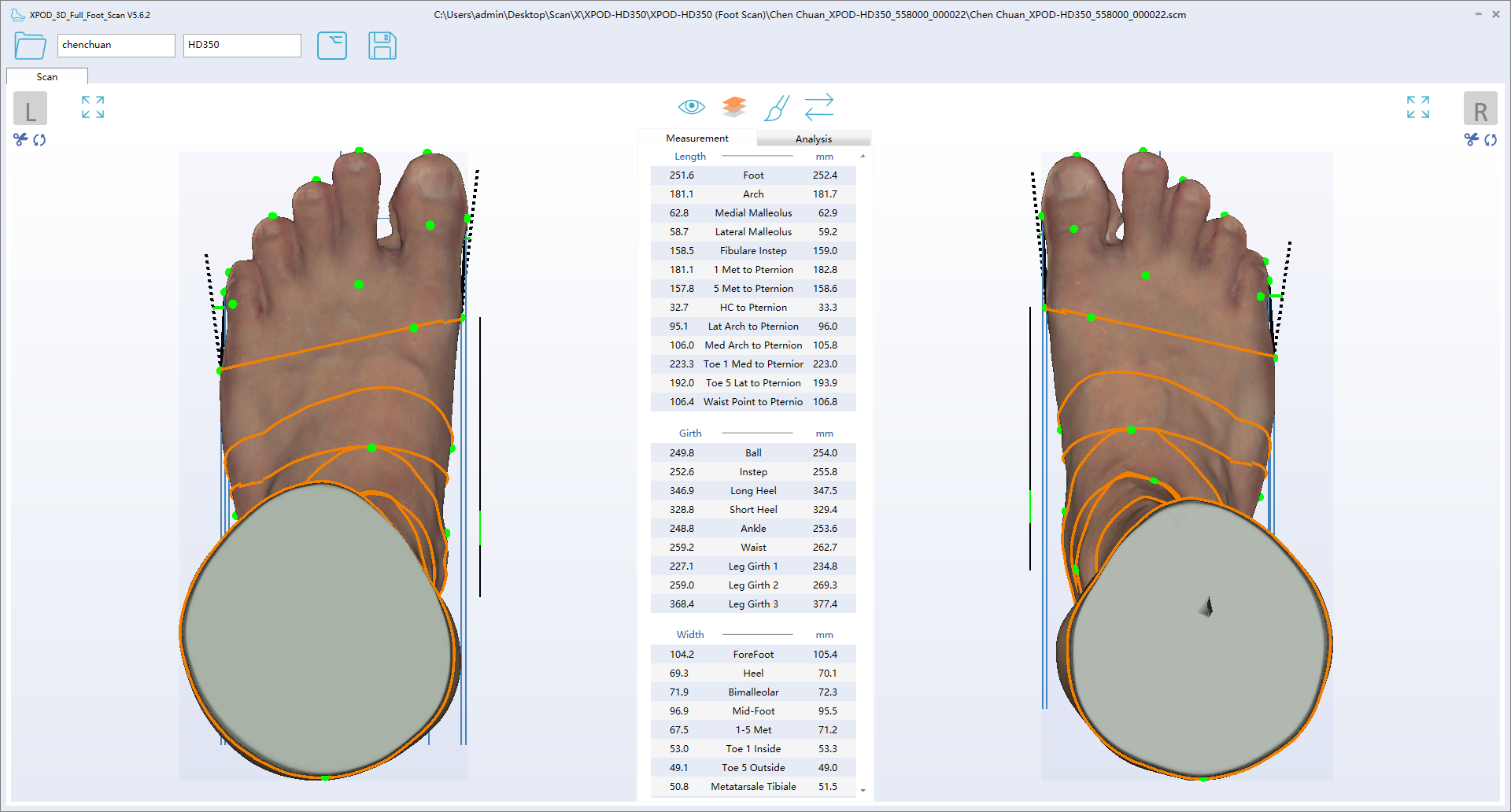
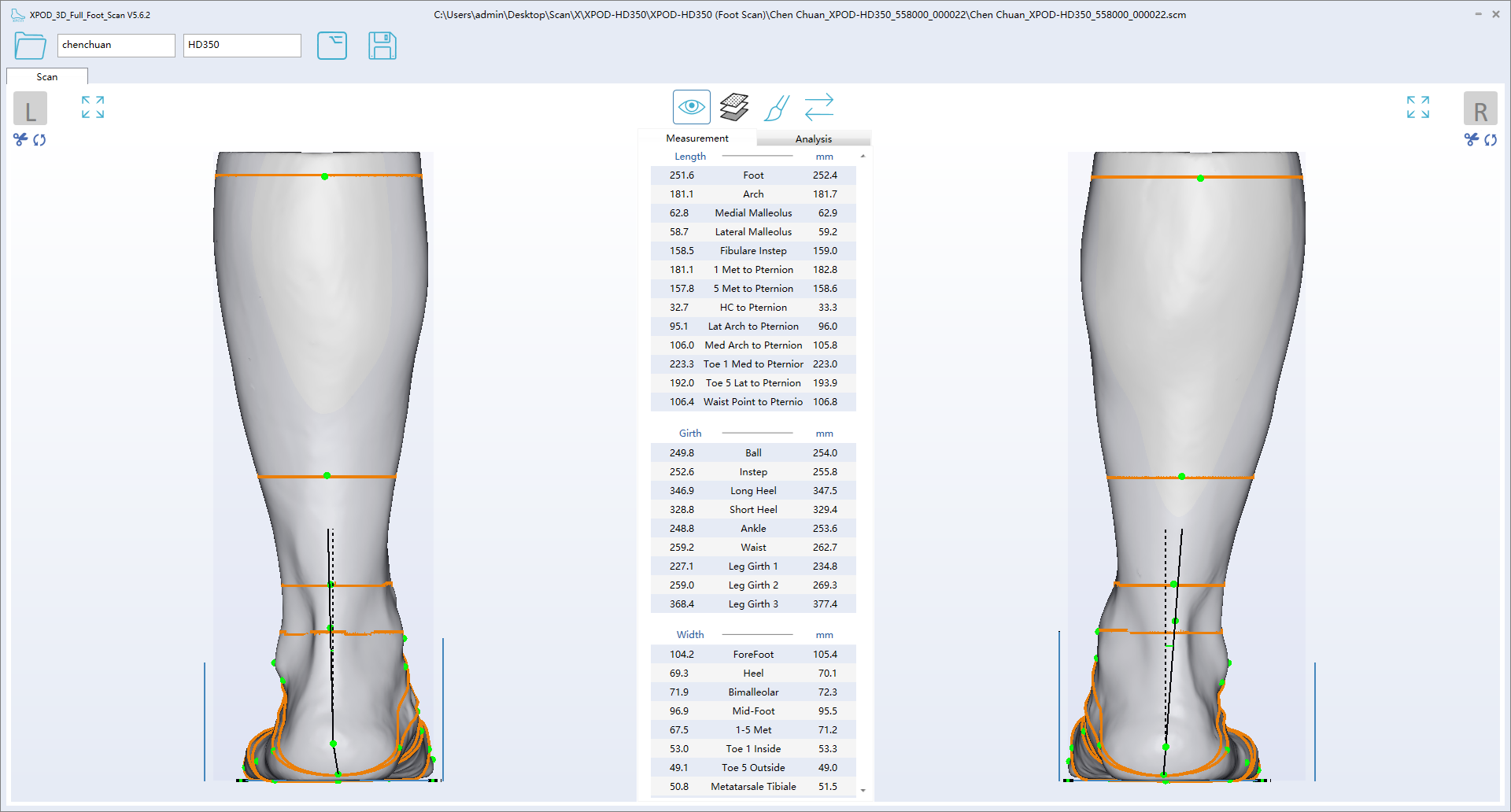
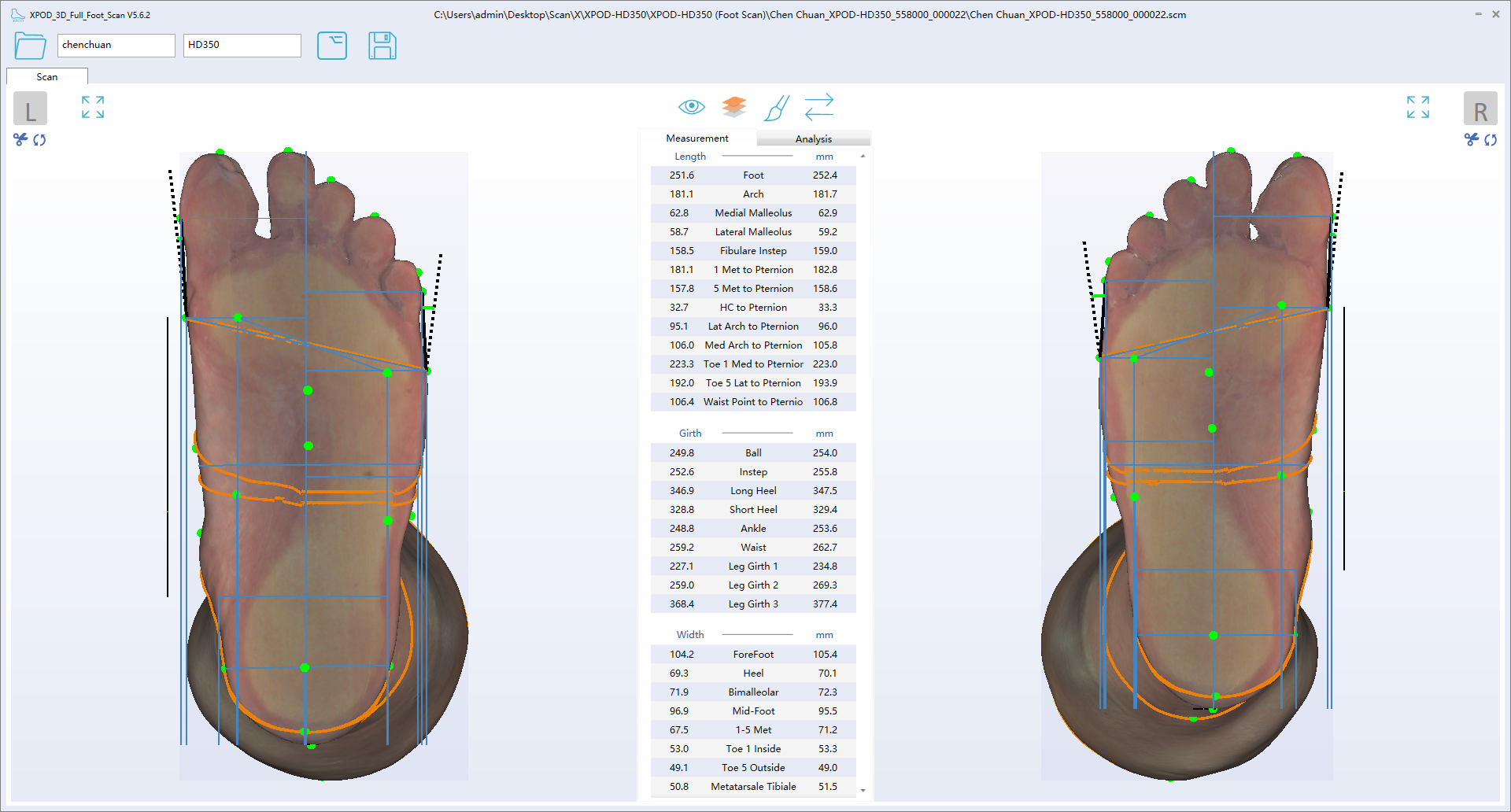
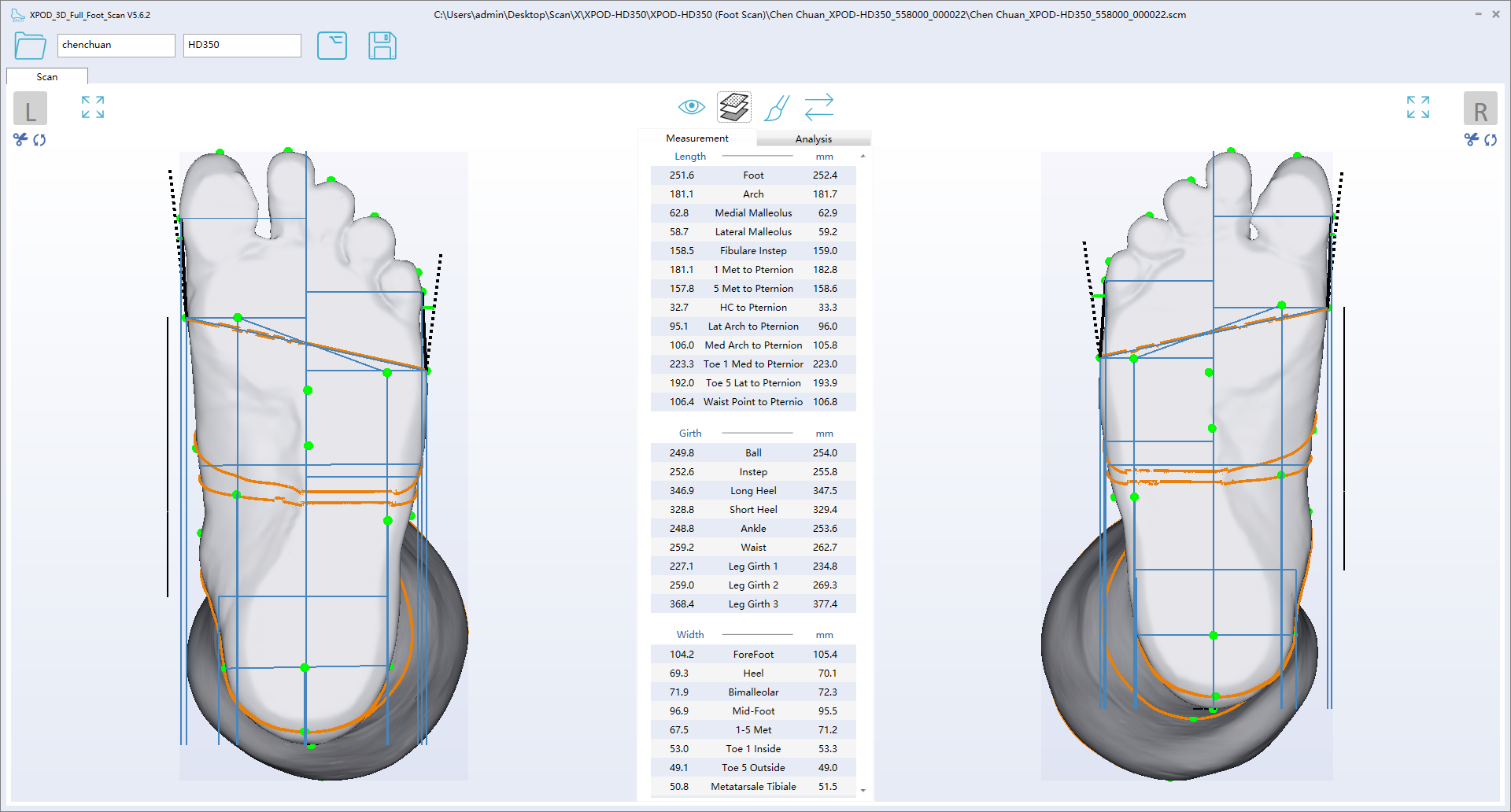
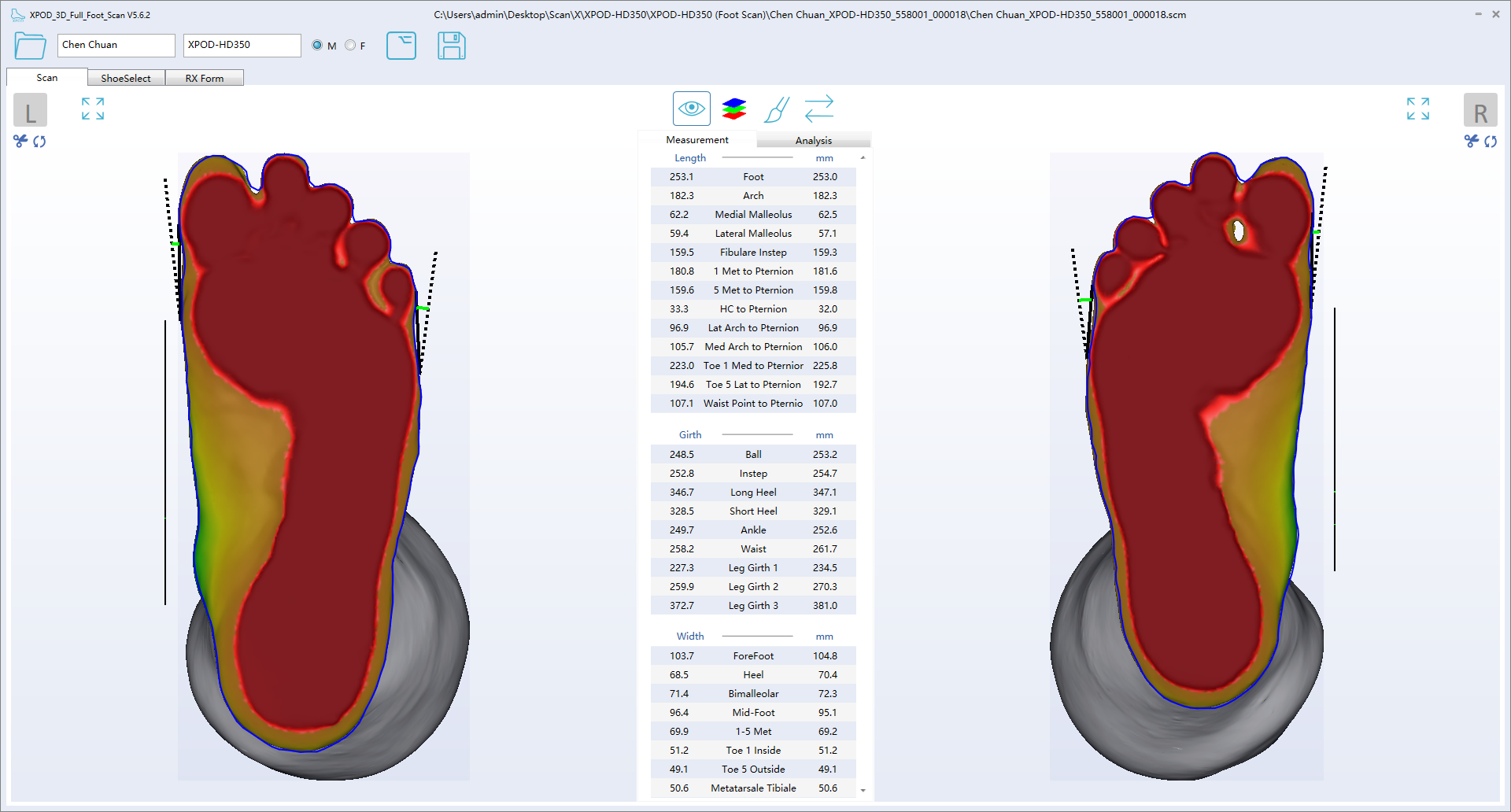
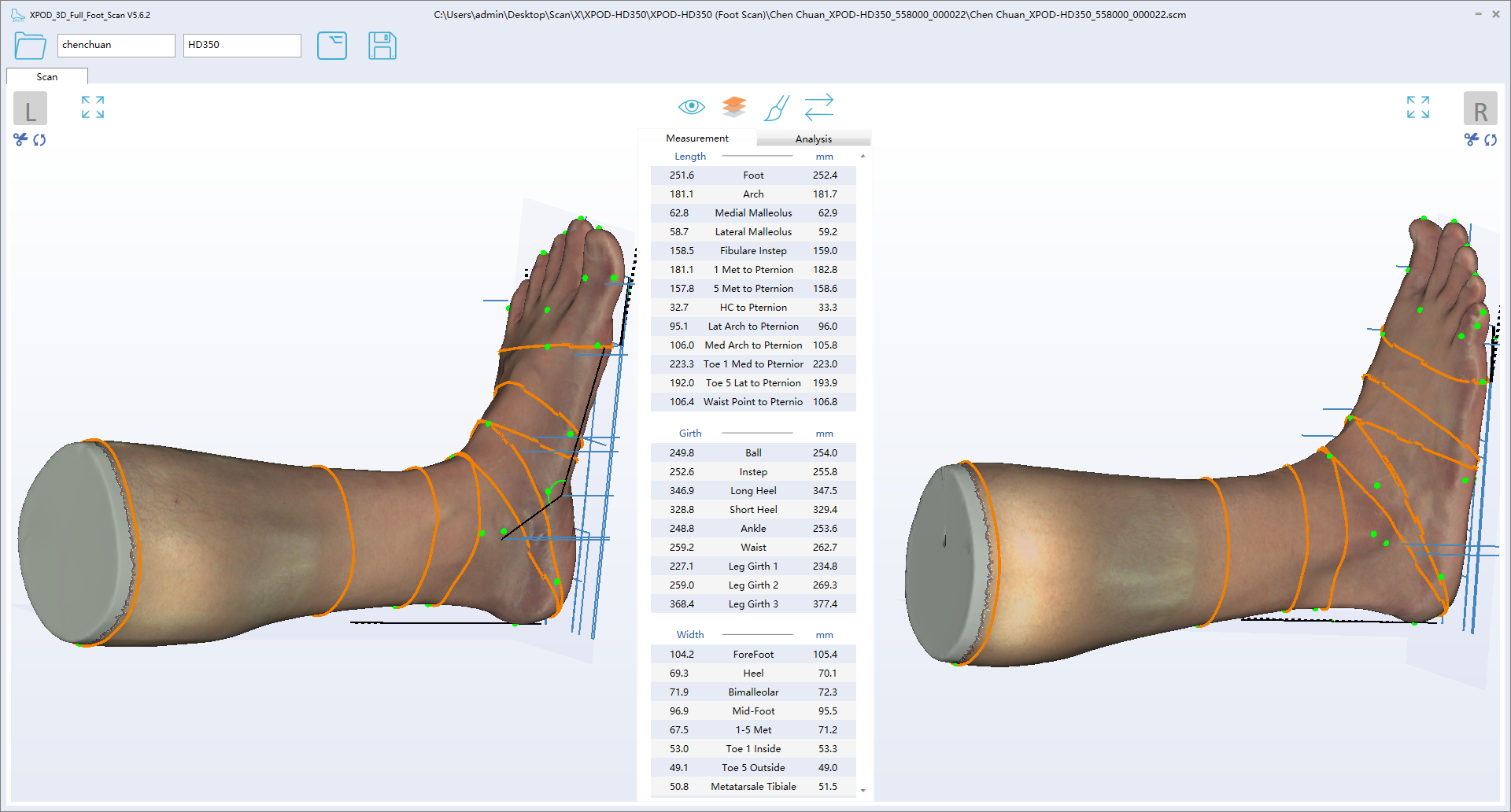
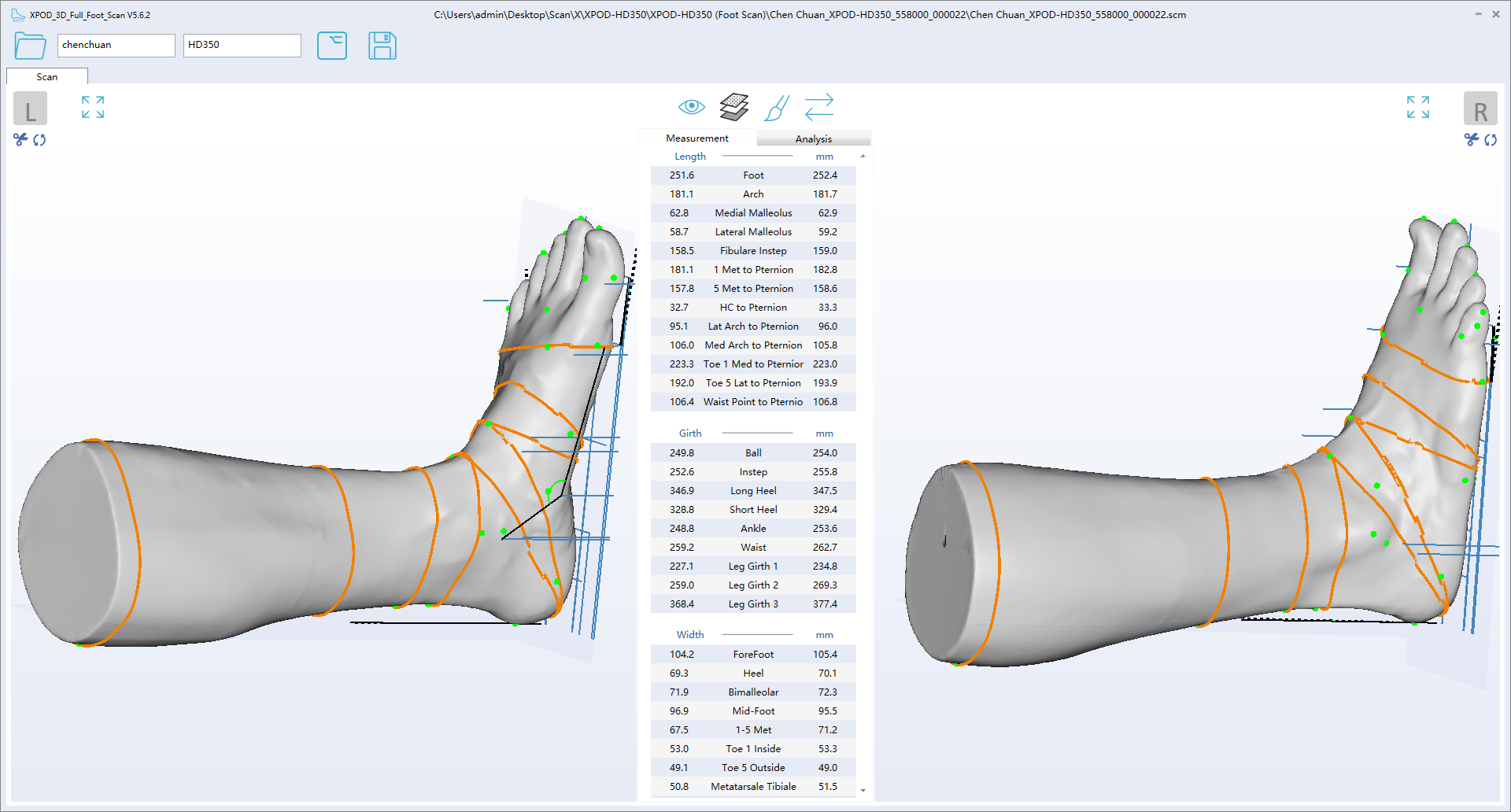
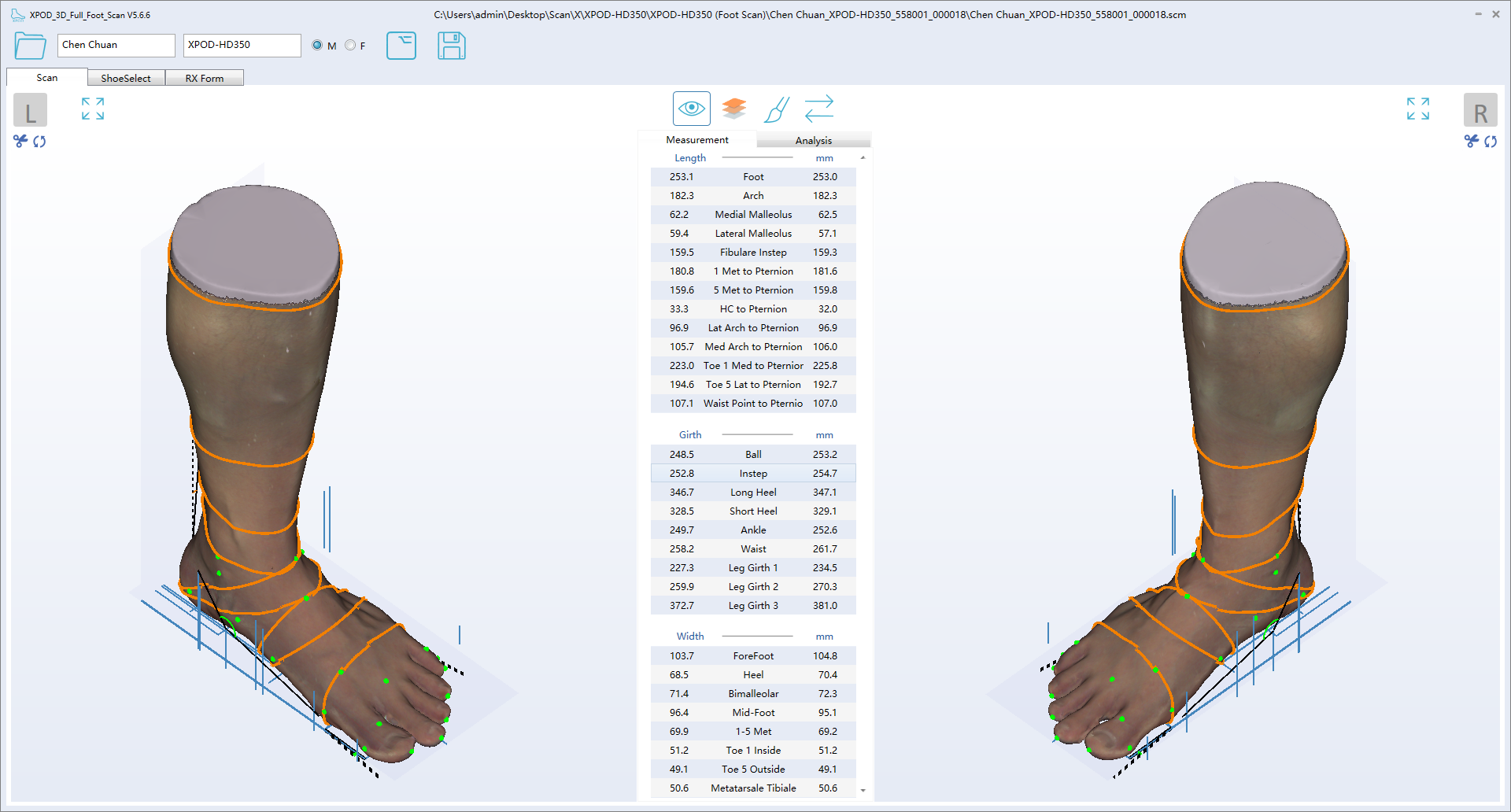
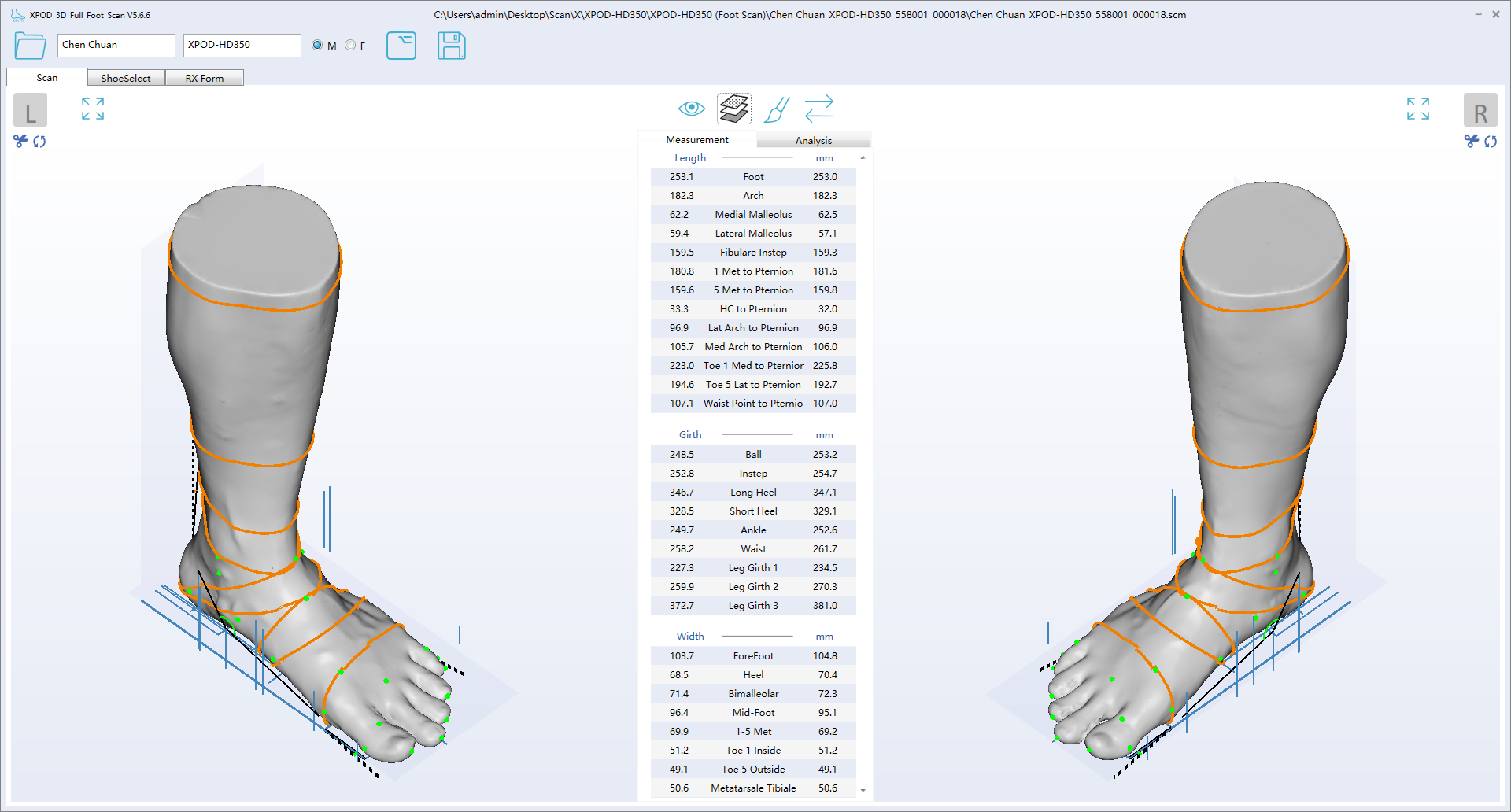
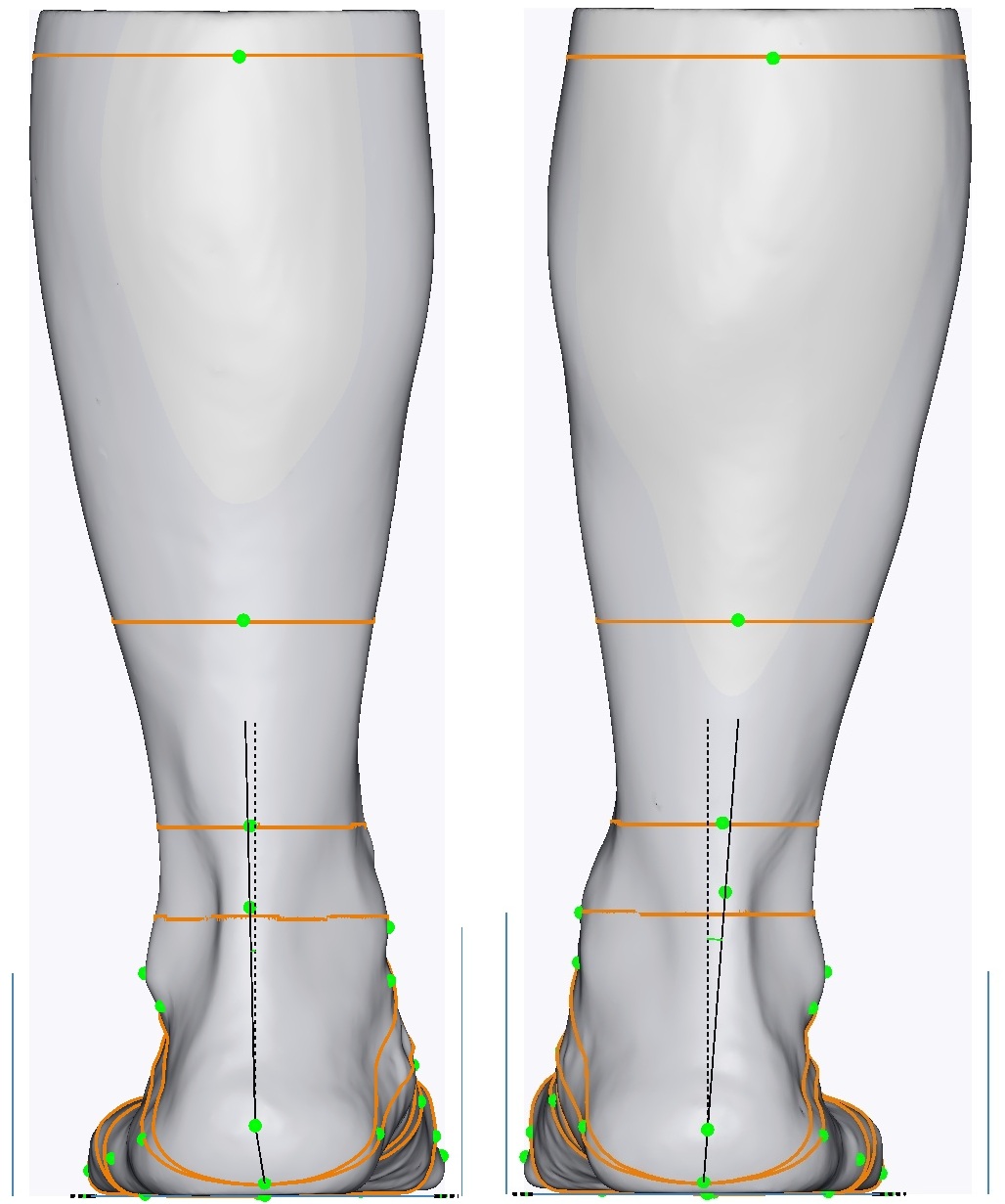
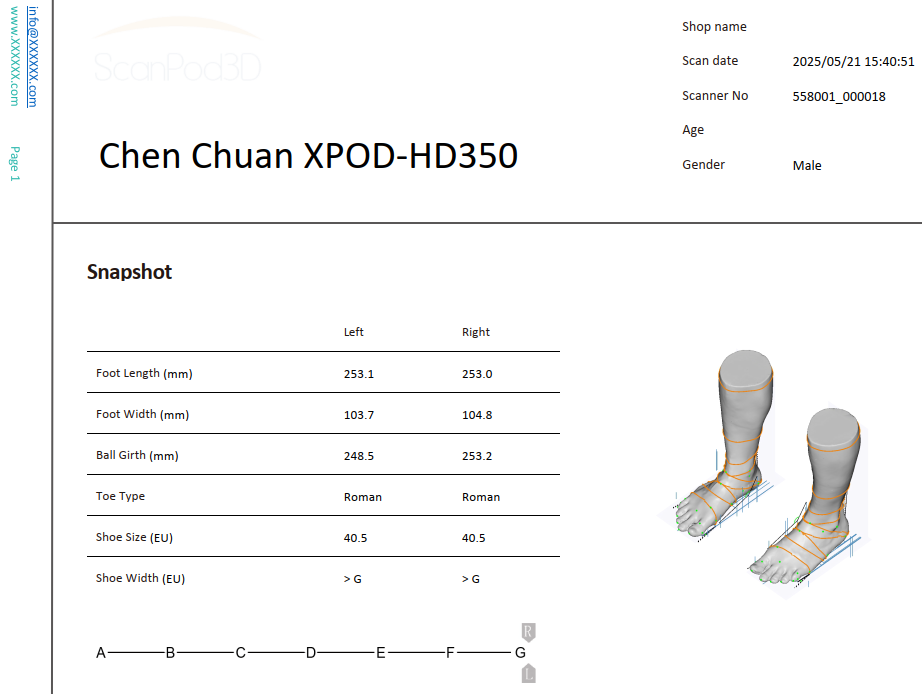
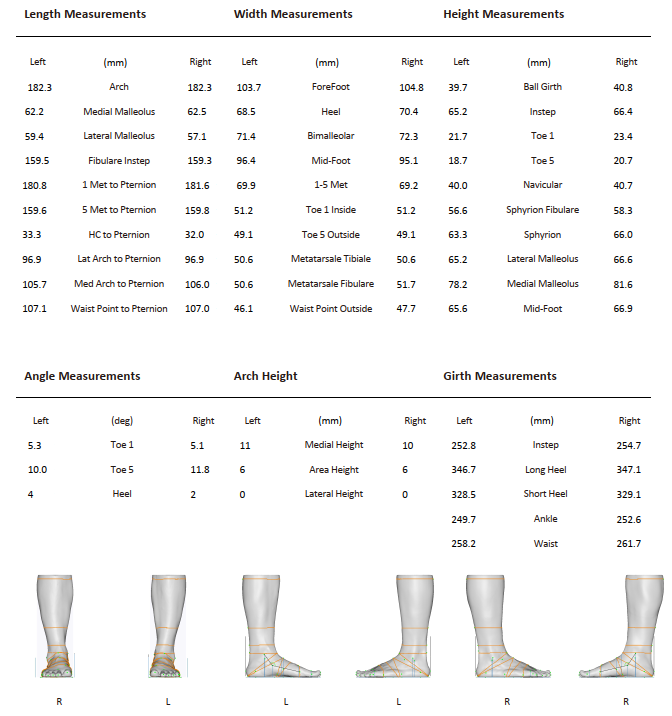
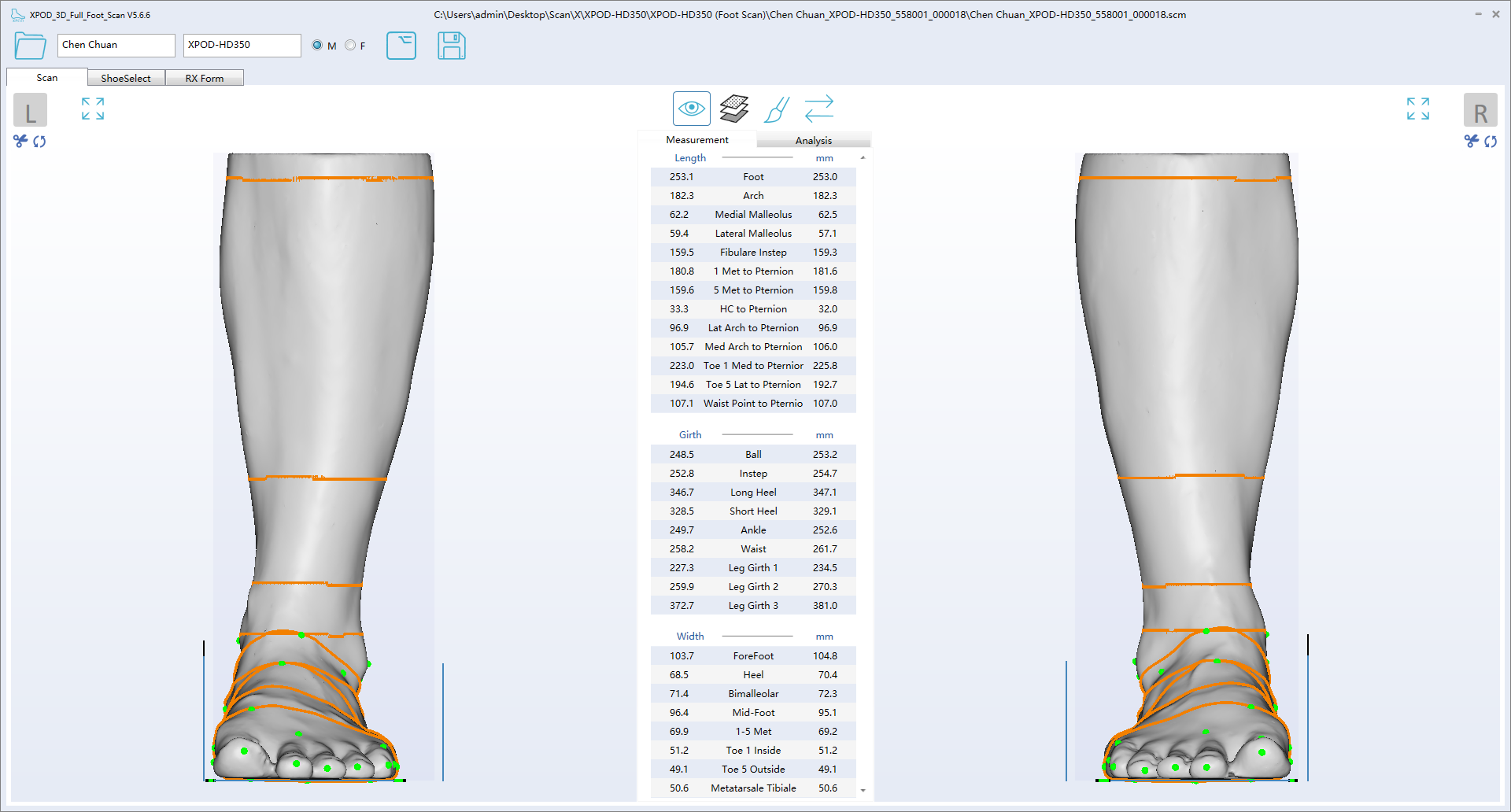
  • Auto 30 Landmark and 43 Measurements
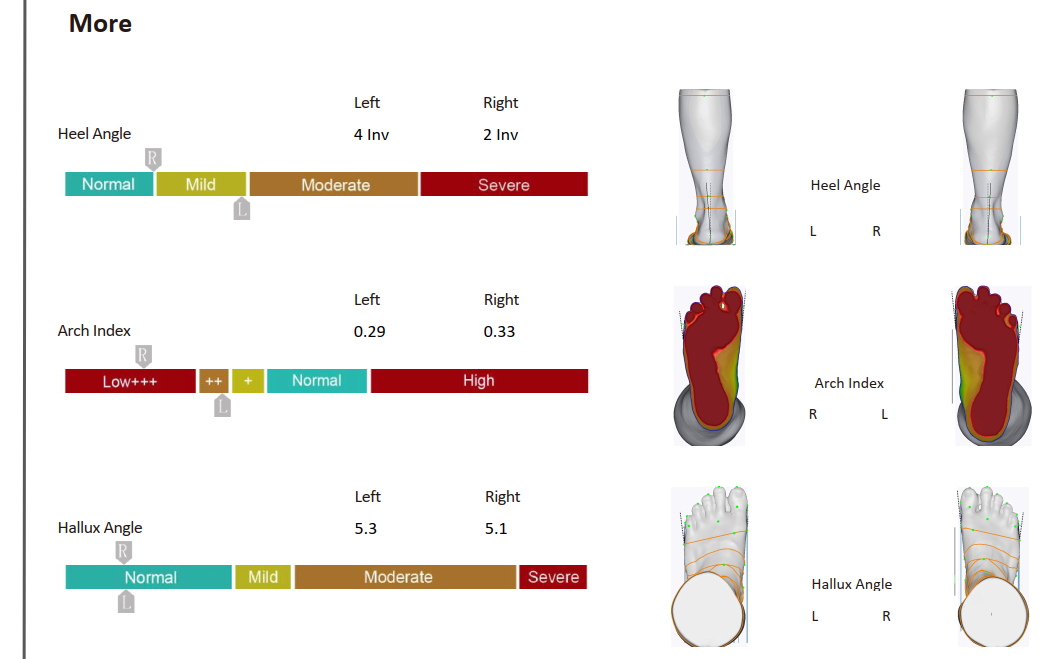
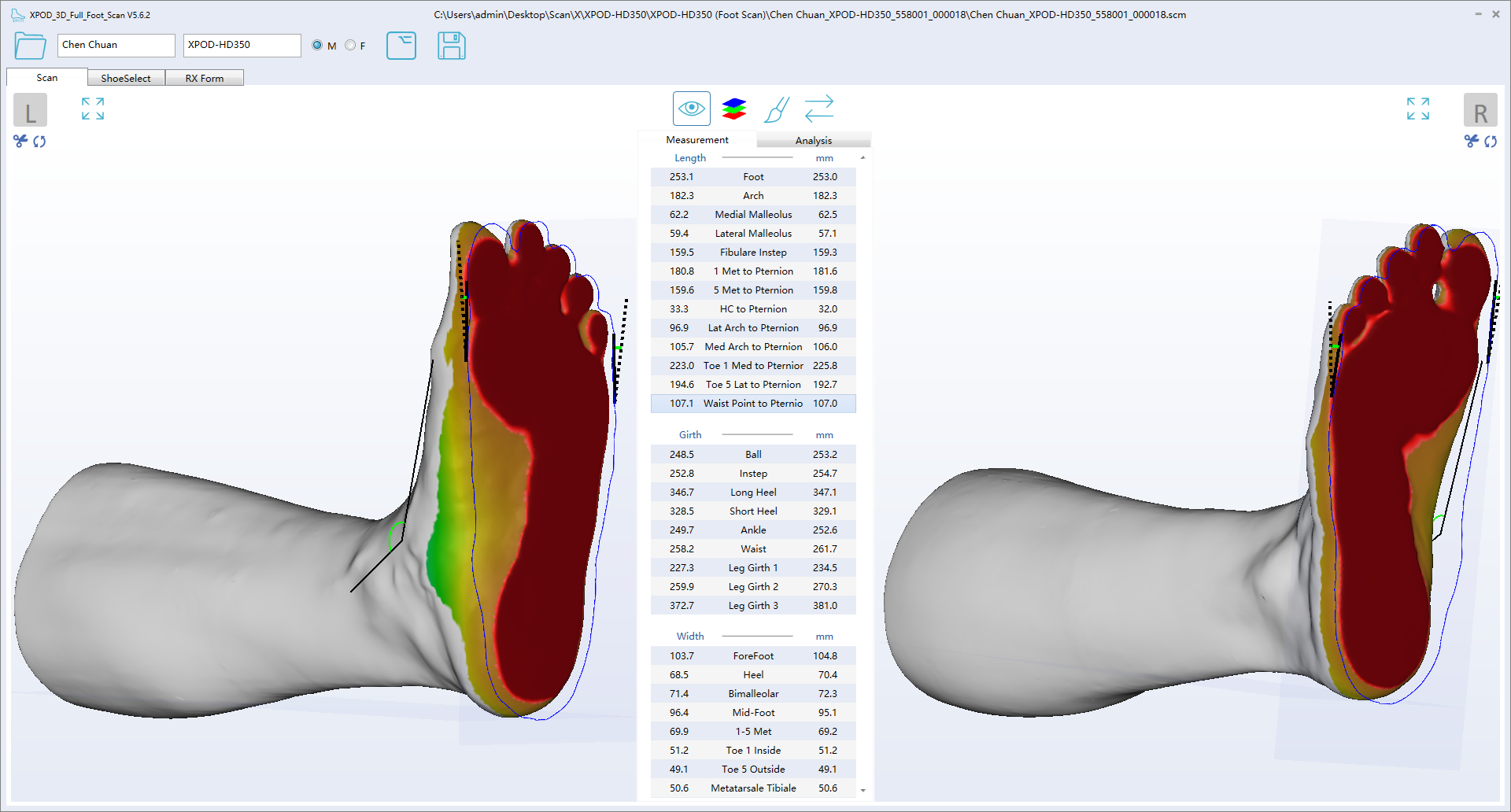
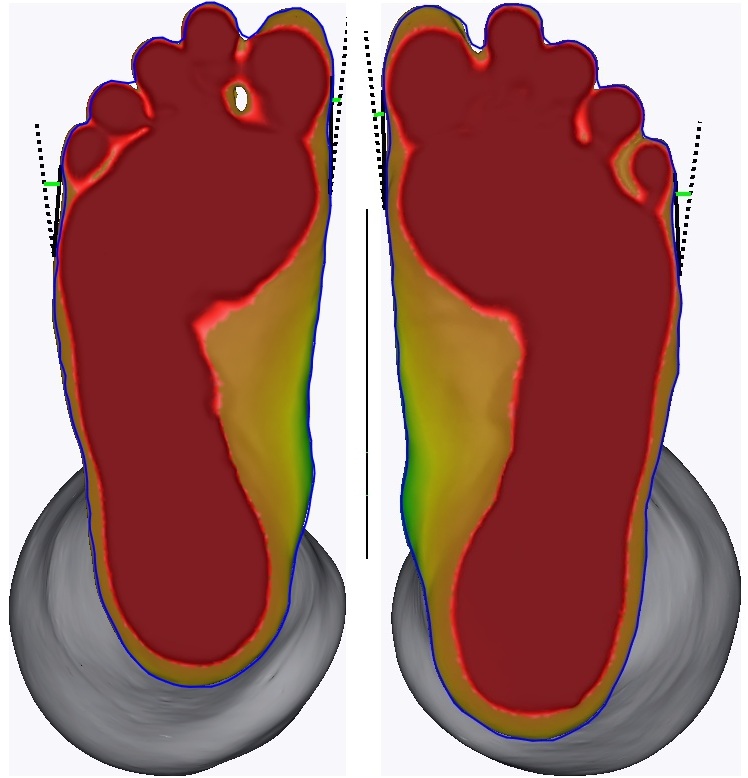
  • Auto analysis for arch type, bunion, and heel angle
  • Mark landmarks on foot then drag points to match
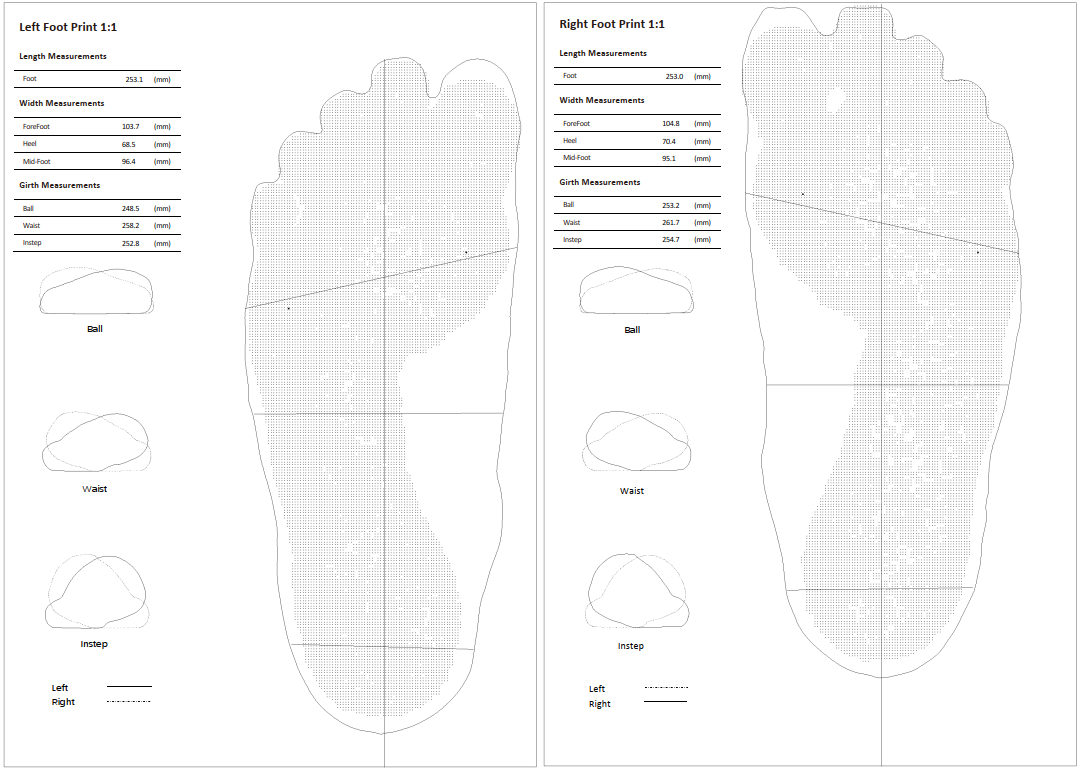
  • PDF Foot report with manual annotations
  • User-editable report templates, sell your own brand
  • User-define UI and icon color and your local language
  • Shoe size/width output for US/UK/EU/CN/JP standards
  • 3D format STL/WRL/OBJ/PLY, 2D format JPG/PNG, PDF report, CSV data file
  • FTP send order to shoe/insole fabrication
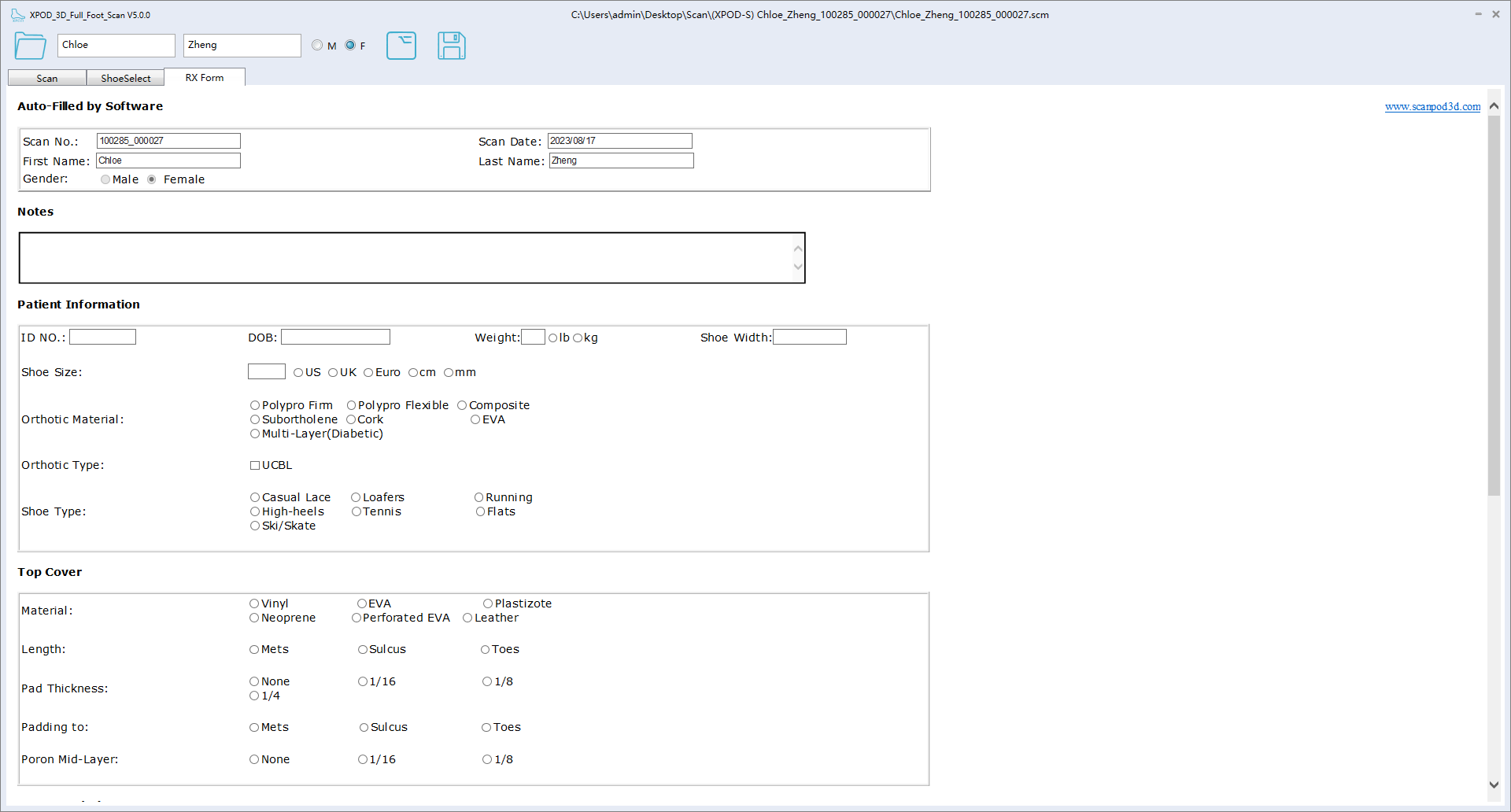
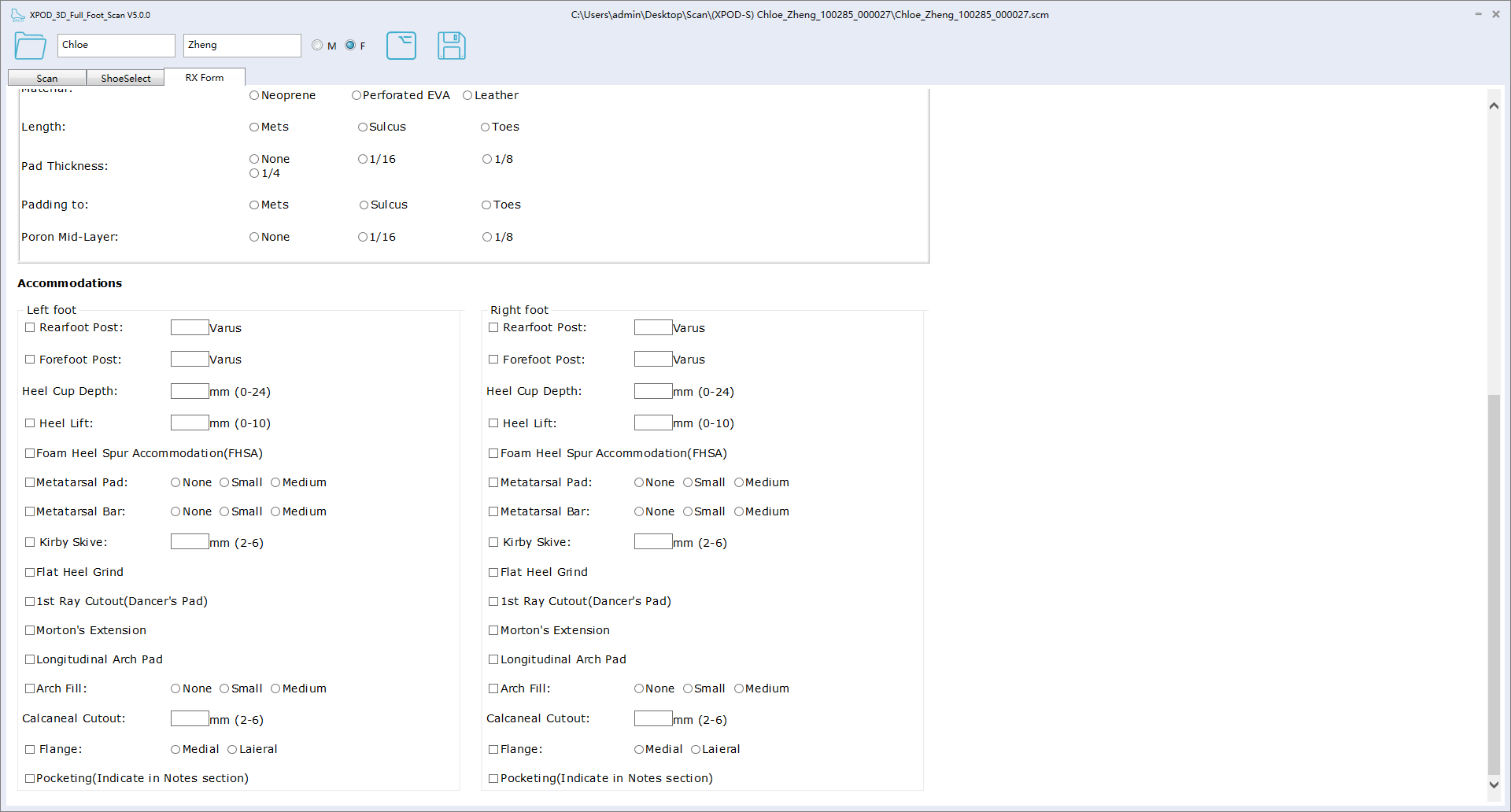
  • User-define RX form for orthopedic shoe/insole
  • Developers: CMD/EXE call scanner to receive data-integration into your own CAD software and database
  • Optional encrypt scanners to lock files
  • Also support UPOD-S and UPOD-HD scanners

CONFIGURATIONS

xpod-hd

XPOD-HD350 Standard Configuration

Scanner, two USB Cables (two red plugs), USB hub, Power Adapter, Foot Switch, and Side Standing Steps
PC must have four free USB-A or USB-C ports, USB2.0 or 3.0 will work.
You supply: Laptop or desktop PC with monitor/keyboard/mouse.

XPOD-HD350 SOFTWARE UI GALLERY